Amazon Attribution Setup for Authors
Before we get started, you'll need to set up a few things with Amazon.
Amazon Seller Account
You will need to be registered as an Amazon seller. There are a few ways to achieve this.
KDP
For most authors, this just means you have a KDP account.
This guide assumes you've already properly set up your account with KDP and have successfully added your books.
Typical Amazon Seller
You don't have to use KDP to use Amazon Attribution! This guide is perfectly applicable to non-authors seeking to expand their sales. Alternatively, you may be an author or marketing specialist for a bookish company that advertises a book printed elsewhere via an Amazon Seller account.
Signing up for Sponsored Ads
Once you have one of these two options set up, you need to register for the Amazon Ads console.
Registration Link:
https://advertising.amazon.com/registerIf you look up registering for just Amazon Attribution, it will just redirect you to registering for Amazon Ads. It's the same thing (attribution is a tool that's a part of the Amazon Ads console).
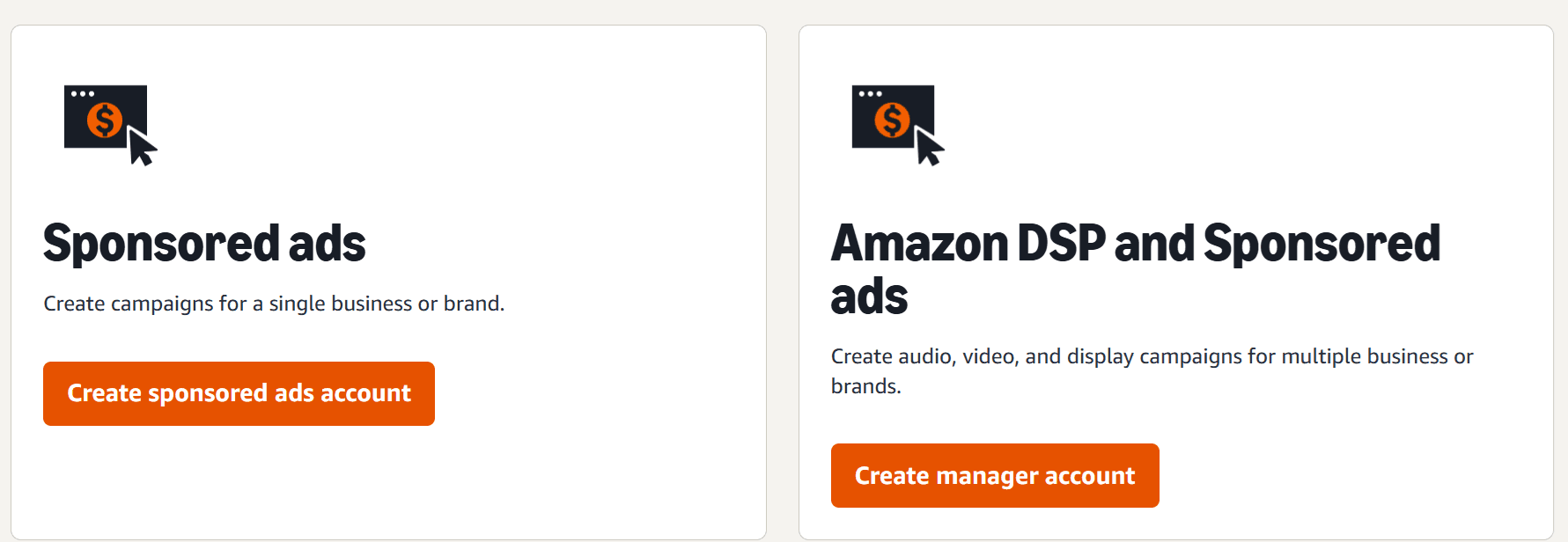
Amazon Ads Account Setup Screenshot
From the registration page, choose Sponsored Ads. Later, you may see options like "Sponsored Brand" ads. This guide will not cover brand ads, and I don't recommend those to authors new to advertising.
FYI - Sponsored Ads is sometimes referred to as Sponsored Products. I'm grateful to Amazon for releasing this tool, but I will complain endlessly about the polish of the Amazon Ads product. The naming is really confusing, they use the same term for different things, and a lot of features just don't work.
From here you'll have to enter some business information and connect your Amazon seller account.